
Replicating to Linode Object Storage
This guide will show you how to use Linode Object Storage as a database replica path for Litestream. You will need a Linode account to complete this guide.
Setup
Create a bucket
In the Linode Console, click on “Object Storage” from the navigation and click the “Create Bucket” button. You may need to enable Object Storage on your account if you have not already.
Enter a globally unique name for your bucket and choose a region. Then click the “Submit” button.
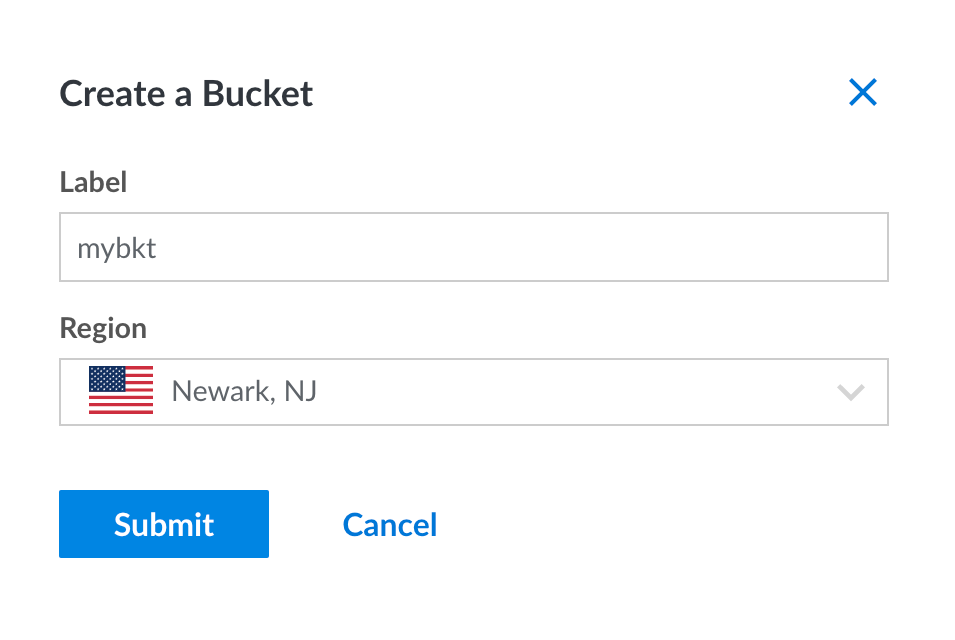
After your bucket is created, you’ll see a hostname for the bucket in the format
of BUCKETNAME.REGION.linodeobjects.com. You’ll need the bucket name and the
region portion (REGION.linodeobjects.com) later when configuring Litestream.
Create an access key
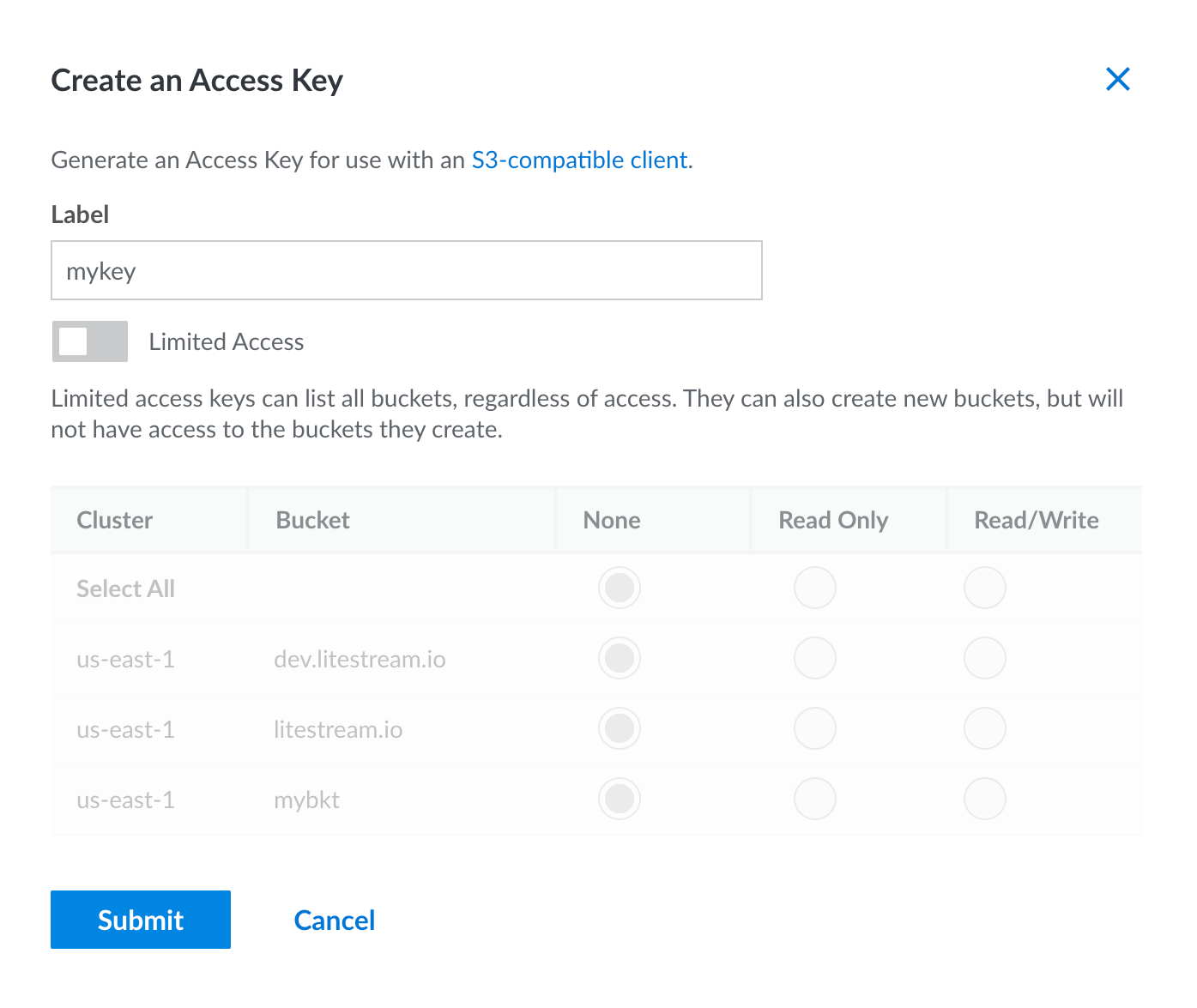
You’ll need to create a key to authenticate Litestream to your account so it can access the bucket. In the Object Storage console, click the Access Keys tab in the top navigation and then click the “Create an Access Key” button.
Enter a name for your key. You can enable Limited Access if you want to restrict the key to only certain buckets. Otherwise, click the “Submit” button.
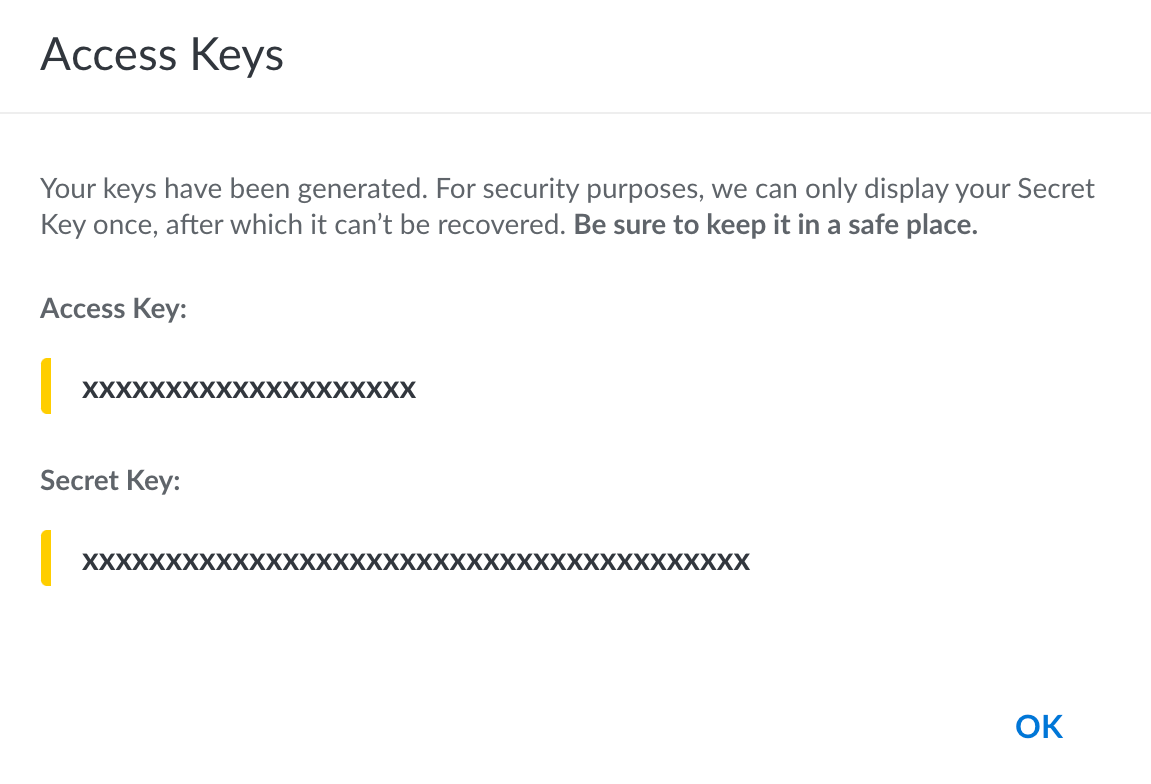
You’ll be presented with the Access Key and Secret Key. You will need to copy those for use later.
Usage
Command line usage
You can replicate to Linode Object Storage from the command line by setting environment variables with the credentials you obtained after creating your key:
export LITESTREAM_ACCESS_KEY_ID=xxxxxxxxxxxxxxxxxxxx
export LITESTREAM_SECRET_ACCESS_KEY=xxxxxxxxxxxxxxxxxxxxxxxxxxxxxxxxxxxxxxxx
Then you can specify your bucket and the Linode endpoint as a replica URL on the command line. For example, you can replicate a database to your bucket with the following command. Note that your region may be different.
litestream replicate /path/to/db 's3://BUCKETNAME/db?endpoint=us-east-1.linodeobjects.com®ion=us-east-1'
The single quotes are required so your shell does not interpret the & in the
URL.
You can later restore your database from Linode Object Storage to a local my.db
path with the following command.
litestream restore -o my.db 's3://BUCKETNAME/db?endpoint=us-east-1.linodeobjects.com®ion=us-east-1'
Configuration file usage
Litestream is typically run as a background service which uses a configuration
file. You can configure a replica for your database by setting the endpoint
field explicitly. Note that your region may be different.
access-key-id: xxxxxxxxxxxxxxxxxxxx
secret-access-key: xxxxxxxxxxxxxxxxxxxxxxxxxxxxxx/xxxxxxxxx

dbs:
  - path: /path/to/local/db
    replica:
      type: s3
      bucket:   BUCKETNAME
      path:     db
      endpoint: us-east-1.linodeobjects.com
      region:   us-east-1   # set to your region
Alternatively, you can use the url format with the endpoint as a query
parameter:
dbs:
- path: /path/to/local/db
replica:
url: s3://BUCKETNAME/db?endpoint=us-east-1.linodeobjects.com®ion=us-east-1
You may also specify your key credentials on a per-replica basis:
dbs:
  - path: /path/to/local/db
    replica:
      type: s3
      bucket:   BUCKETNAME
      path:     db
      endpoint: us-east-1.linodeobjects.com
      region:   us-east-1   # set to your region
      access-key-id: xxxxxxxxxxxxxxxxxxx
      secret-access-key: xxxxxxxxxxxxxxxxxxxxxxxxxxxxxxxxxxxxxxx
See Also
- S3-Compatible Services - Other S3-compatible providers
- Troubleshooting - Common issues and solutions
- Configuration Reference - Complete configuration options